Your family,
finally in sync.
Tasks, shopping, money, steps and the family map – in one calm app that everyone at home actually enjoys using.
One app instead of five group chats.
Every feature is built for families: shared by default, private when it should be.
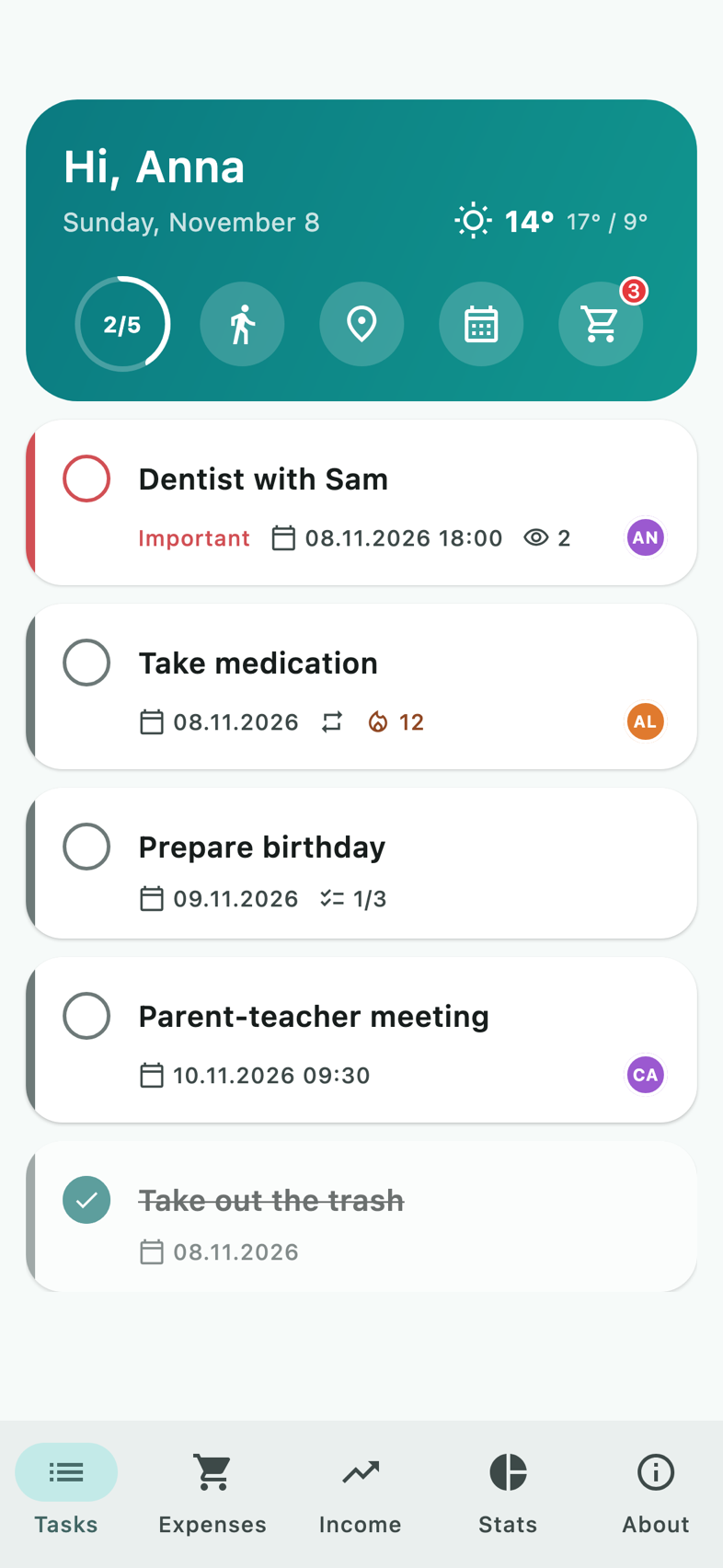
Tasks and routines that get done
Assign tasks, add subtasks and photos, repeat them daily or weekly. A gentle “Done?” reminder after the due time, and streaks for routines like medication.
- Assign to one or many
- Repeat and streaks
- See who has seen it
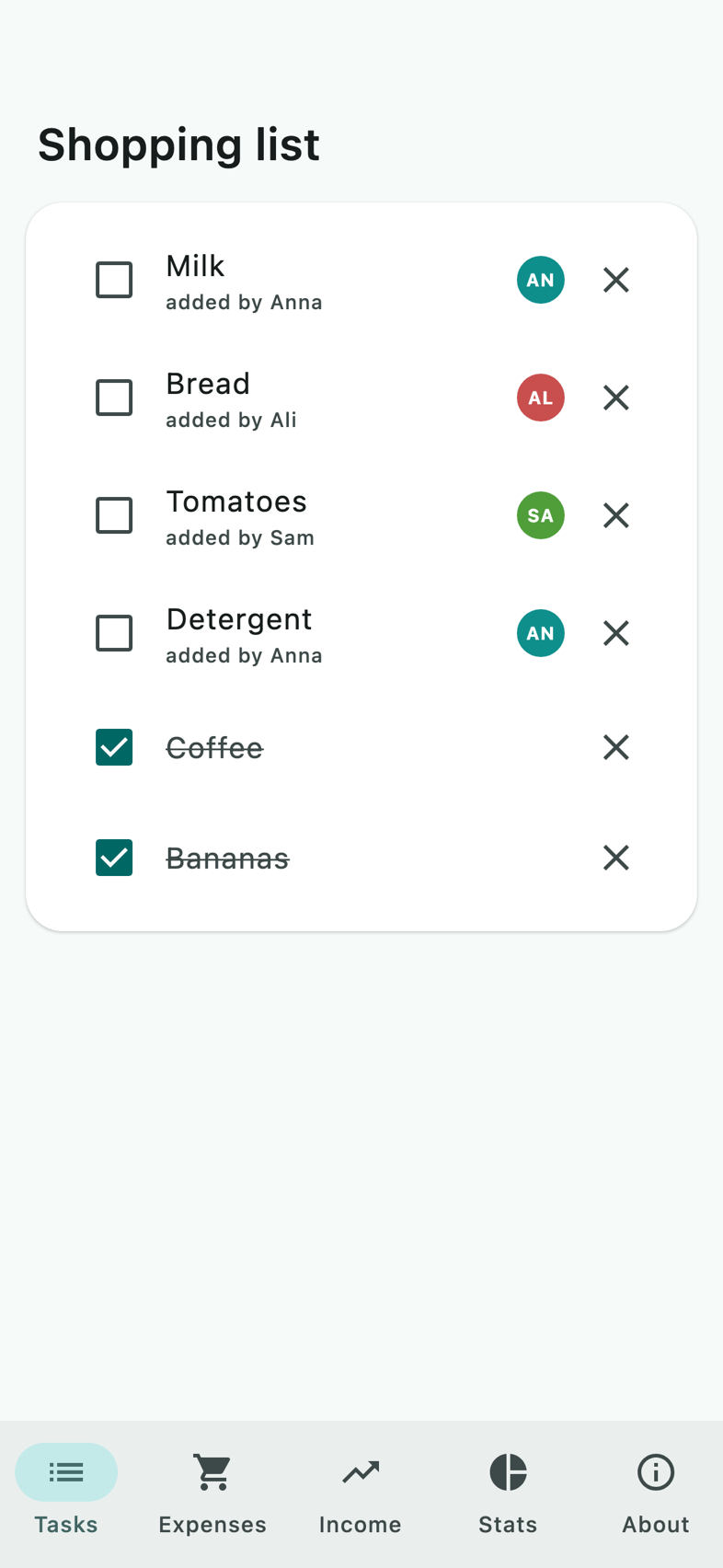
The shopping list everyone sees instantly
Someone adds milk, everyone sees it right away. Tick items off in the supermarket – the rest of the family is up to date before you reach the checkout.
- Live for the whole family
- Who added what
- Home screen widget
A cash book that keeps the peace
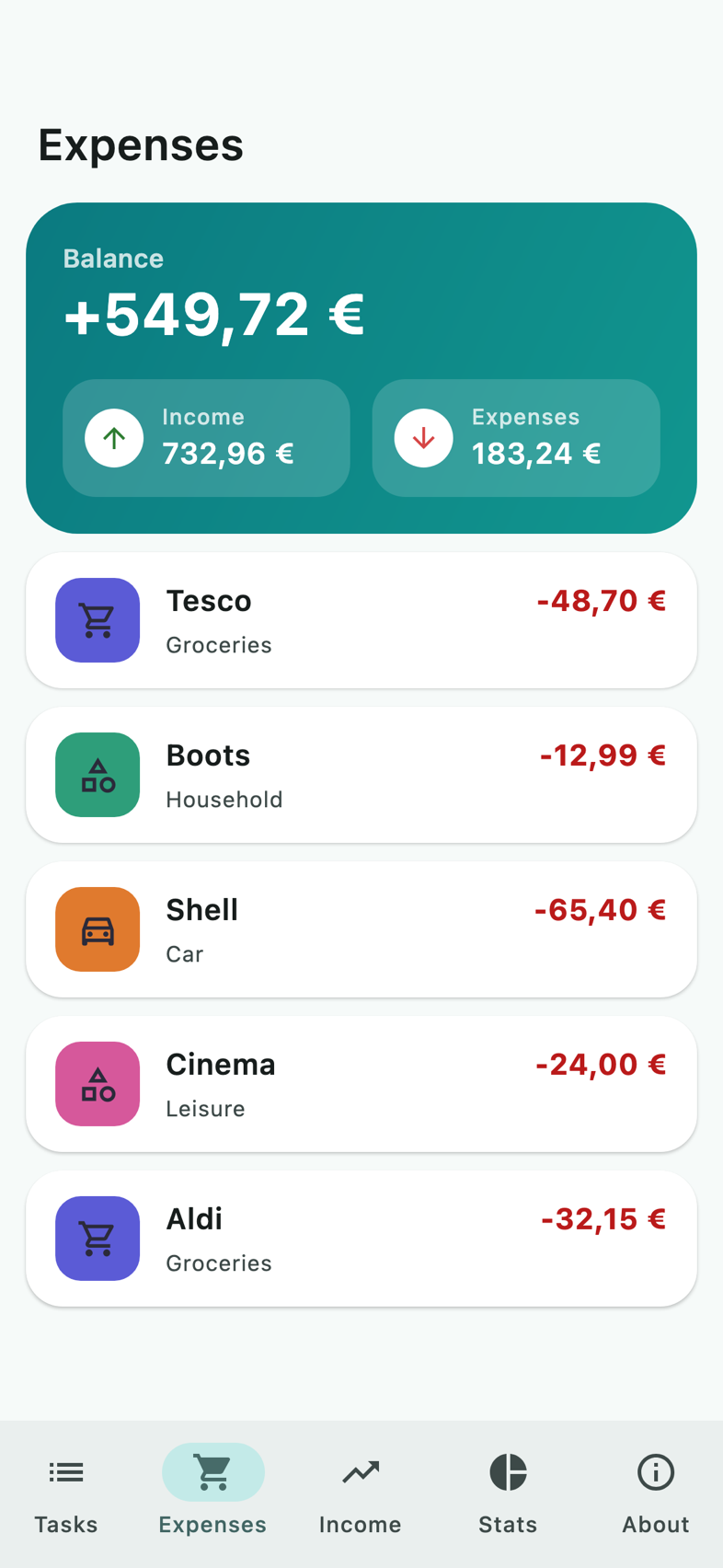
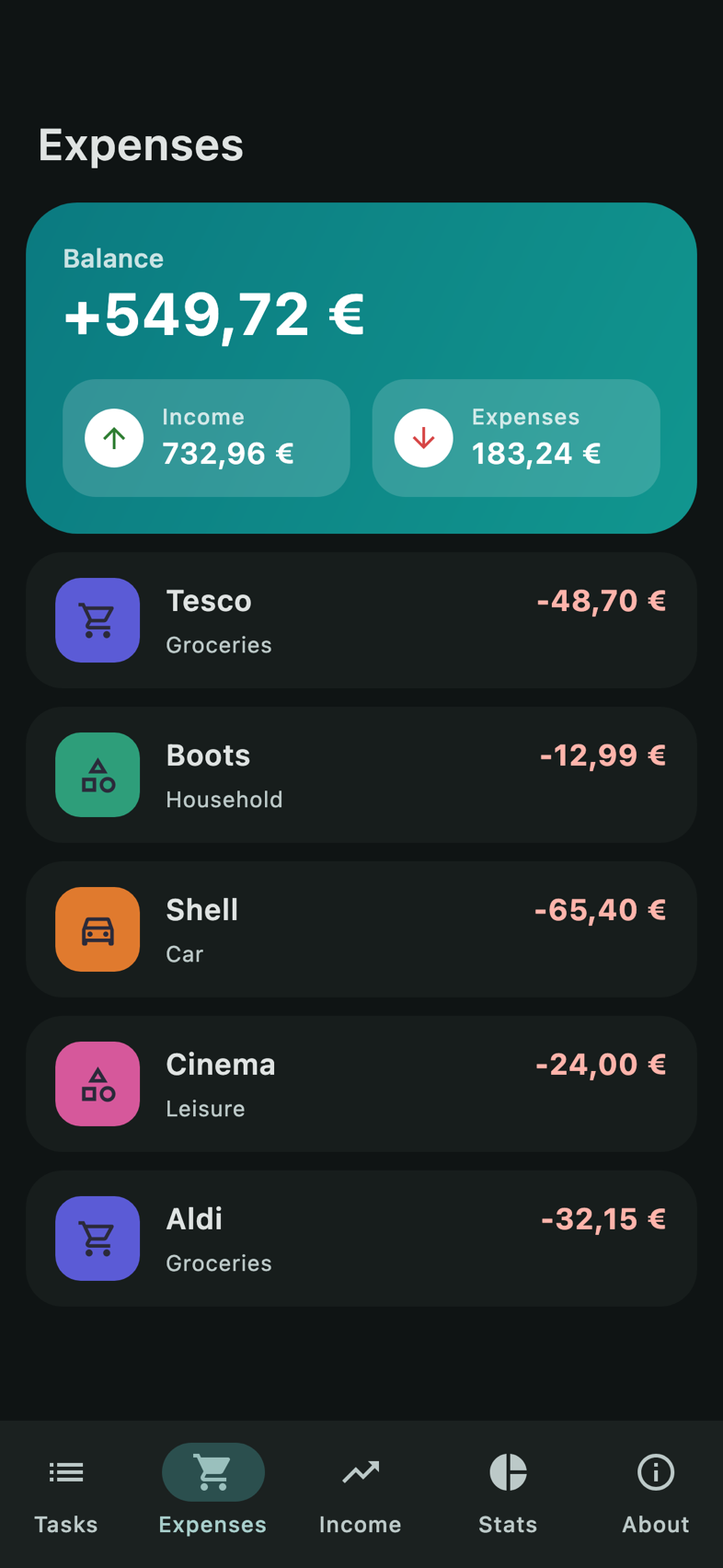
Expenses, income and bills in one place. Scan receipts, mark bills as paid, set monthly budgets per category – and decide who sees which entry.
- Receipt scanner
- Open and overdue bills
- Budgets and statistics
Walk together, not alone
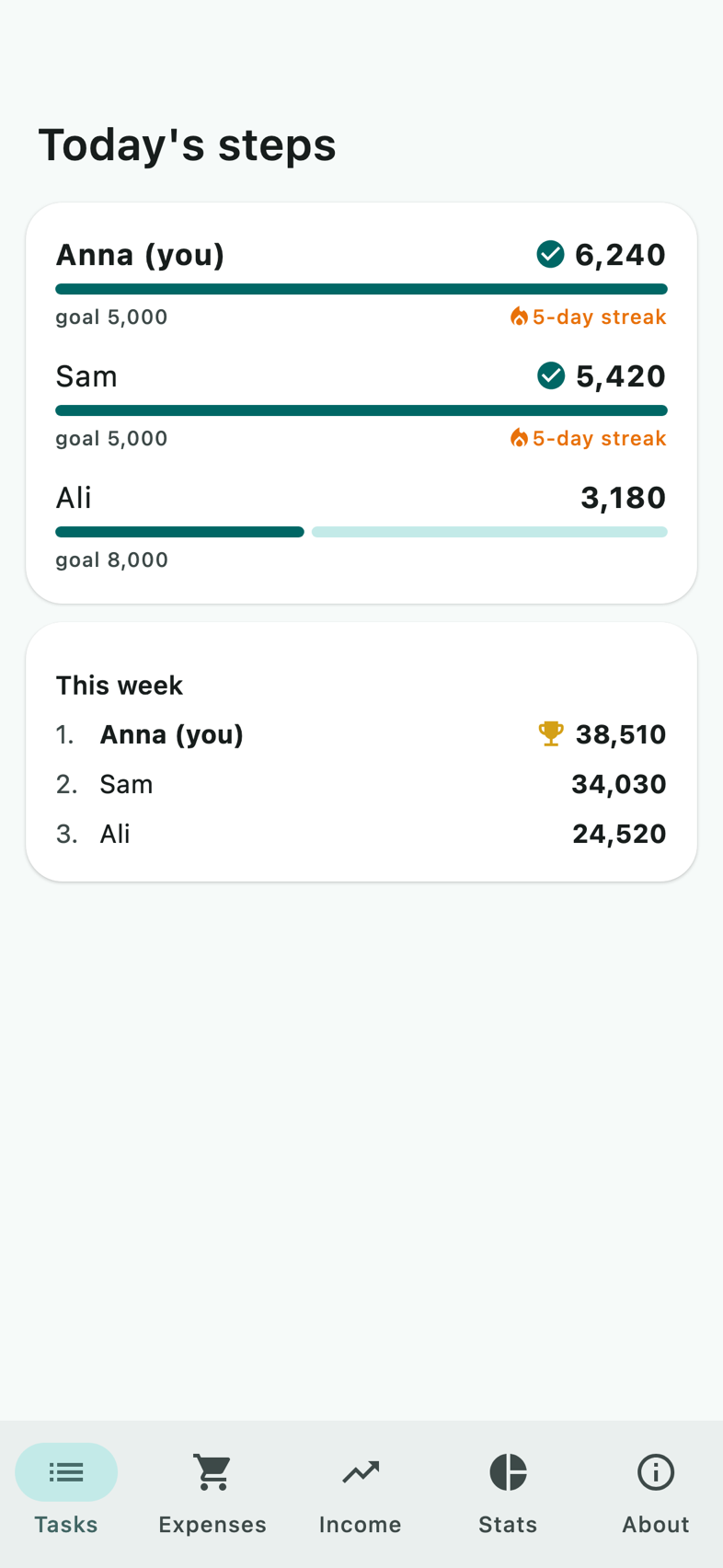
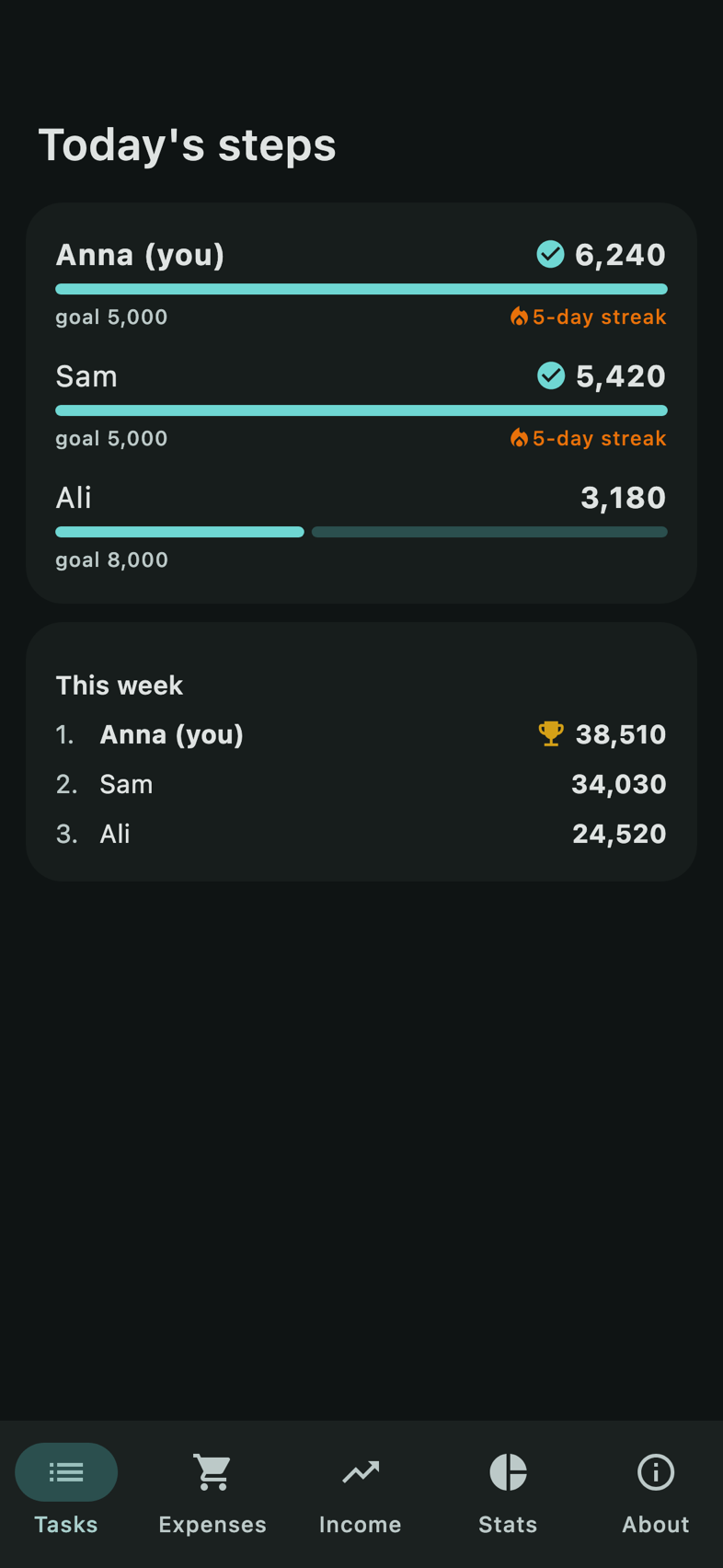
Everyone picks a personal daily goal. See today’s steps of the whole family, a weekly ranking and streaks – a friendly nudge to get moving.
- Personal goals
- Weekly ranking
- Opt-in for each member
And so much more
Family map
See where everyone is – only if they choose to share.
Calendar
All family dates and appointments at a glance.
Meal plan
Plan the week’s meals and send ingredients to the list.
Weekly summary
Every Sunday evening: what the family achieved.
Works offline
Write without a connection – it syncs later.
Widgets
Today’s tasks, steps and the shopping list on your home screen.
Arrival alerts
Know when the kids reach school – only with their consent.
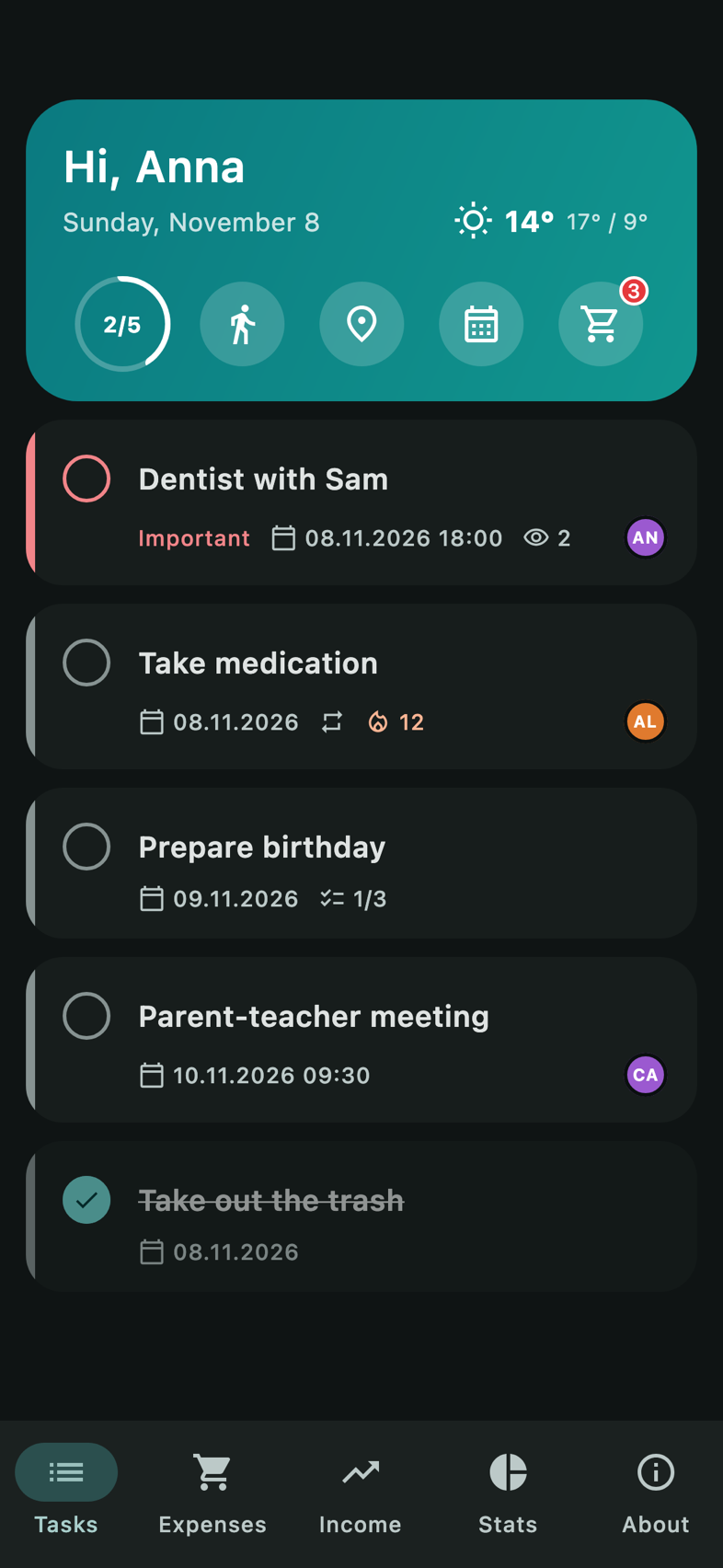
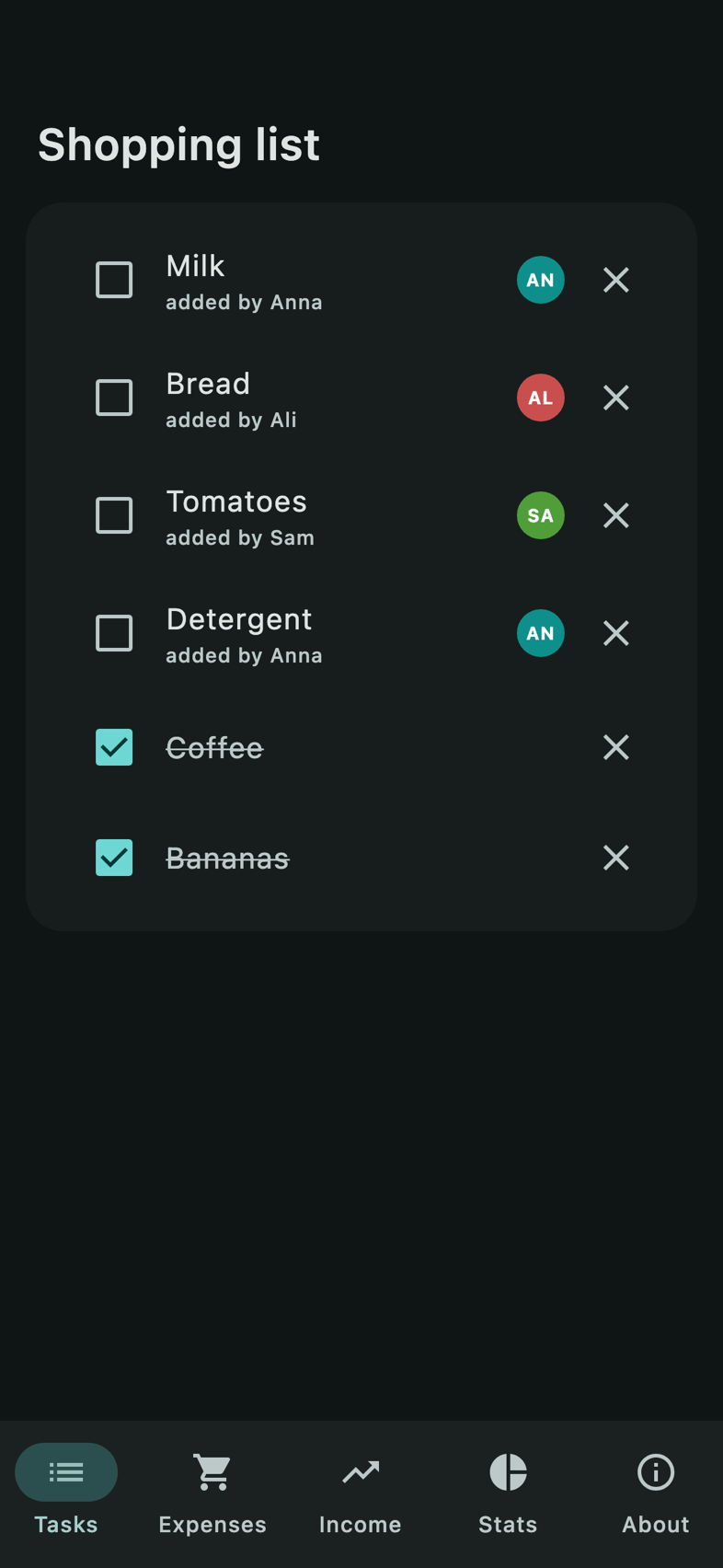
Light and dark
Easy on the eyes, day and night.
Your family’s data belongs to your family.
No ads, no tracking, no selling of data. Ever.
EU servers
Data is stored in the European Union (Ireland).
No ads, no tracking
No advertising IDs, no analytics SDKs, no profiling.
You decide
Location and steps are shared only if each person turns them on.
Private entries
Mark an expense or task so only chosen people see it.
App lock
Protect the app with Face ID, fingerprint or your screen lock.
Delete anytime
Delete your account in the app – your data goes with it.
How it works
Create your family
Sign up with email, Apple or Google and give your family a name.
Invite with a QR code
Family members scan the code and join – no typing needed.
Plan together
Tasks, lists and money are shared instantly with everyone.
Frequently asked questions
Is the app free?
Yes. Downloading and using the app is free and there is no advertising.
Which phones are supported?
iPhone (iOS) and Android. The iPhone version is currently in beta on TestFlight; Android follows on Google Play.
Who can see my data?
Only members of your family – and for entries marked as private, only the people you choose. We never sell or share data.
Do I have to share my location or steps?
No. Both are switched off until each person turns them on, and turning them off deletes what was shared.
Does it work without internet?
Yes. You can add and edit entries offline; they sync as soon as you are back online.
How do I delete my account?
In the app: Settings → Account and family → Delete my account. Your personal data is removed permanently.
Bring your family together.
Start today – it is free and takes two minutes.